Everything in one app
More than a disk chart — DiskWise is your Mac maintenance hub.
The sidebar in DiskWise lists every major tool in plain language. You do not need a separate duplicate finder, cache cleaner, or activity monitor — they are already built in, with AI help when you want a second opinion.
💾
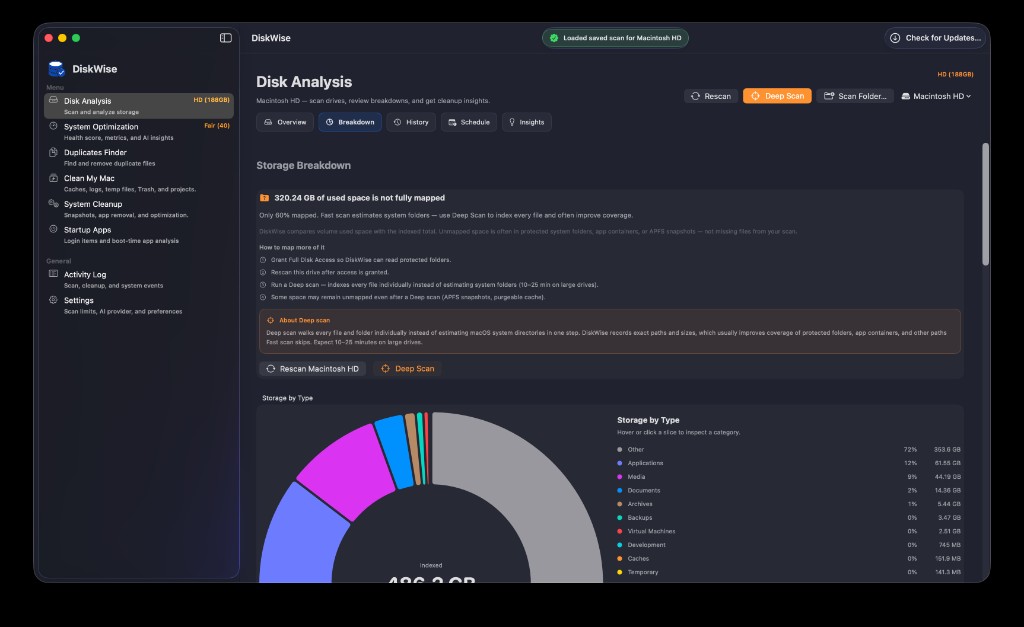
Disk Analysis
Scan internal or external drives, resume saved scans, and explore Overview, Breakdown, History, Schedule, and Insights tabs. Fast scans get you started quickly; Deep Scan maps protected folders for a fuller picture.
📈
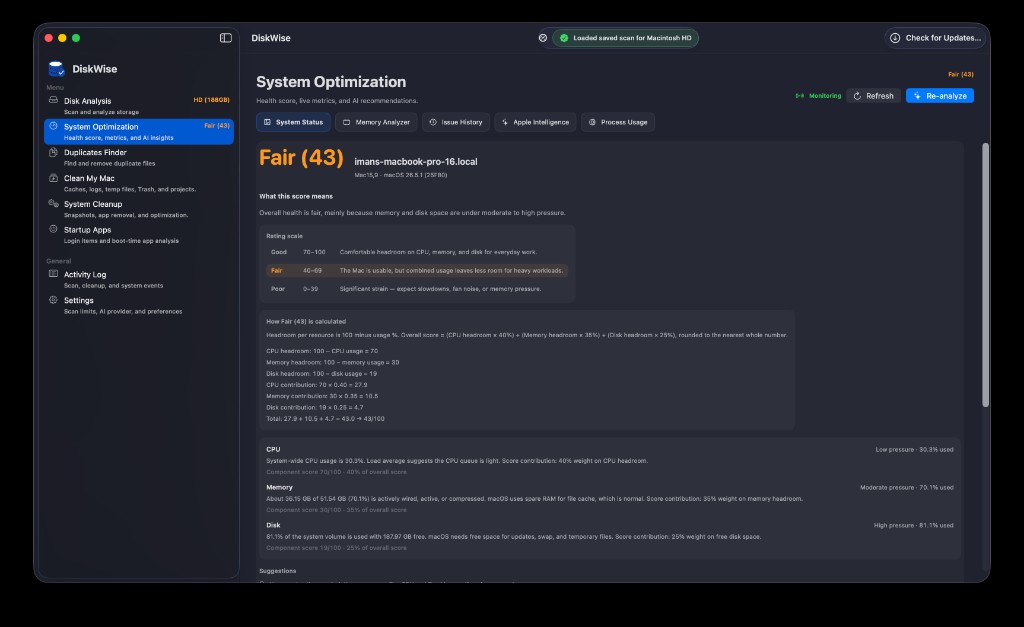
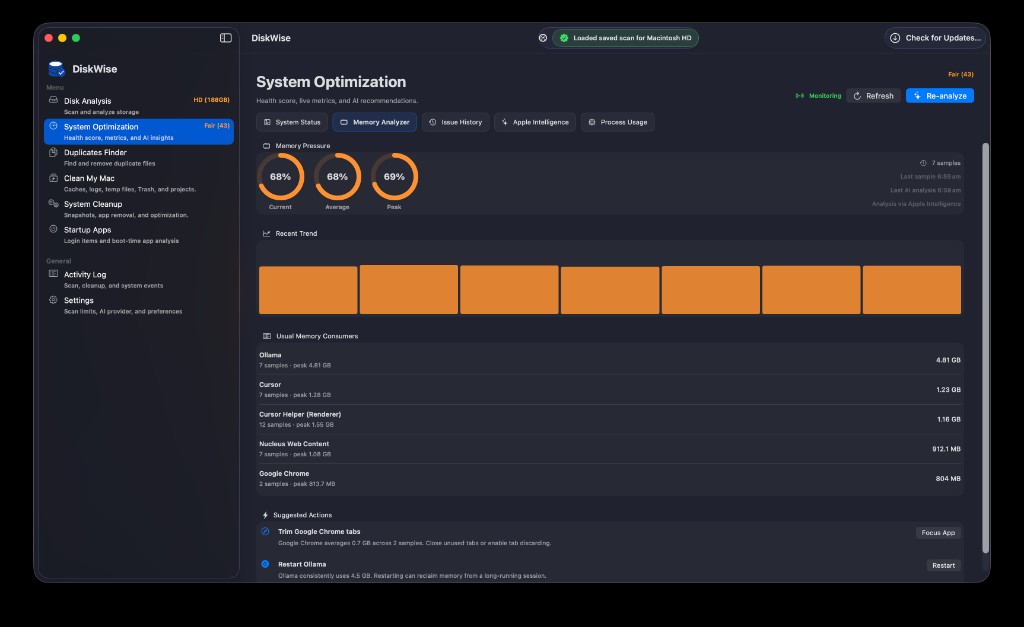
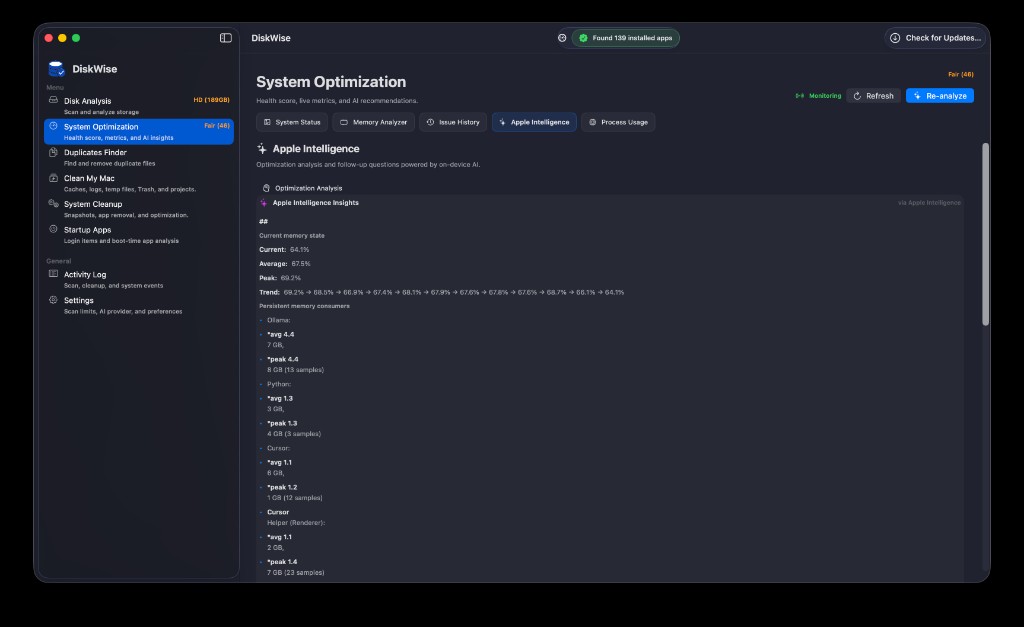
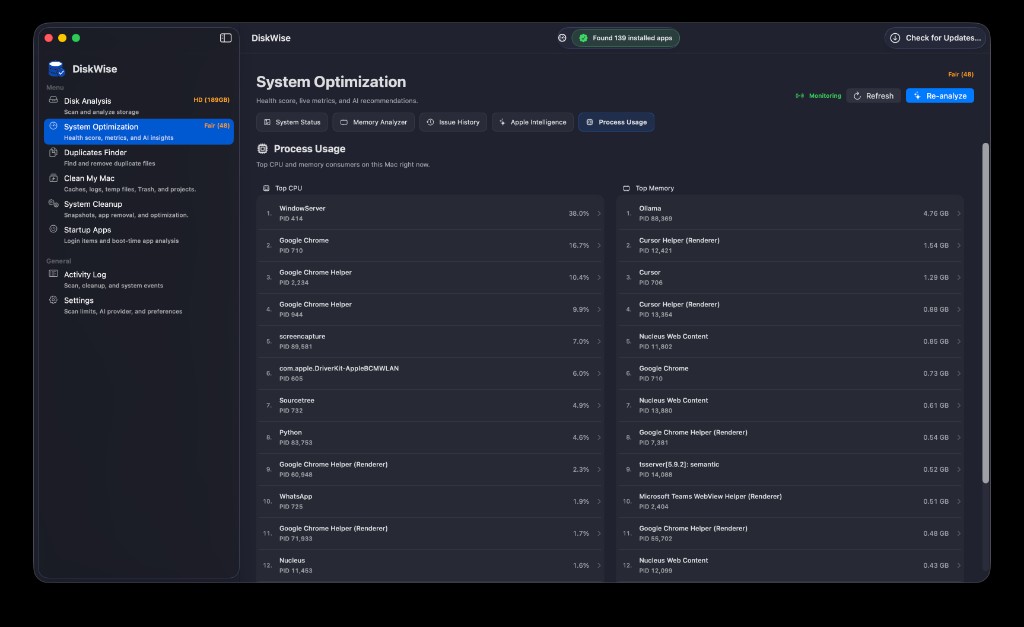
System Optimization
A single health score blends CPU, memory, and disk headroom. Tabs for System Status, Memory Analyzer, Issue History, Apple Intelligence, and Process Usage keep performance monitoring in one place.
🔍
Duplicates Finder
Find duplicate files — including similar videos — so you can reclaim space without guessing which copy to keep. Review groups before anything moves to Trash.
🧹
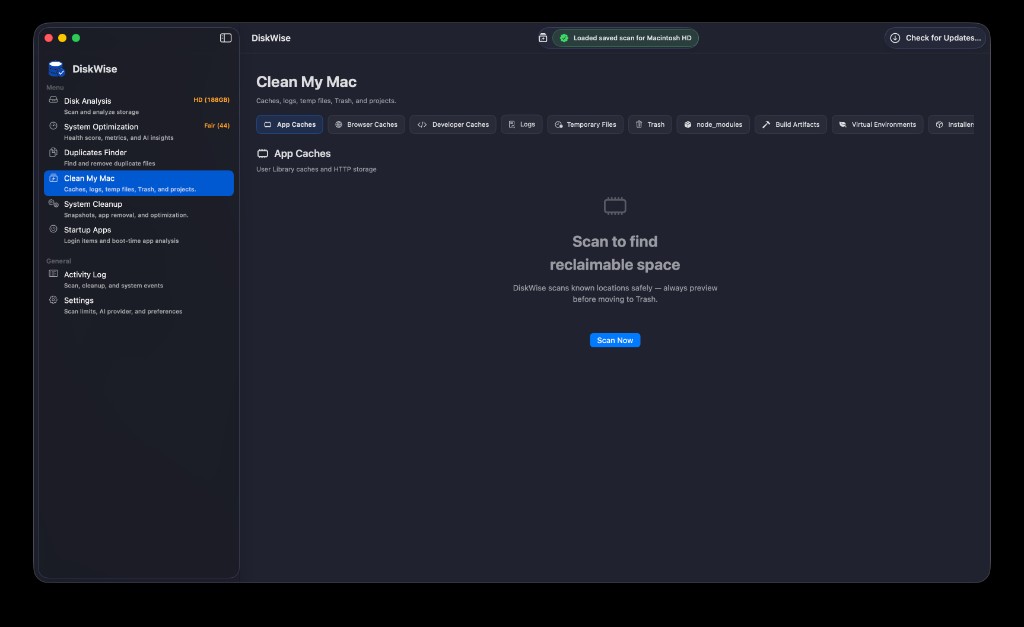
Clean My Mac
Sweep app, browser, and developer caches, logs, temp files, Trash, installers, virtual environments, and project clutter like node_modules and build artifacts.
⚙️
System Cleanup
Go deeper with Time Machine snapshot management, complete app removal, and system-level optimization tasks beyond everyday cache clearing.
🚀
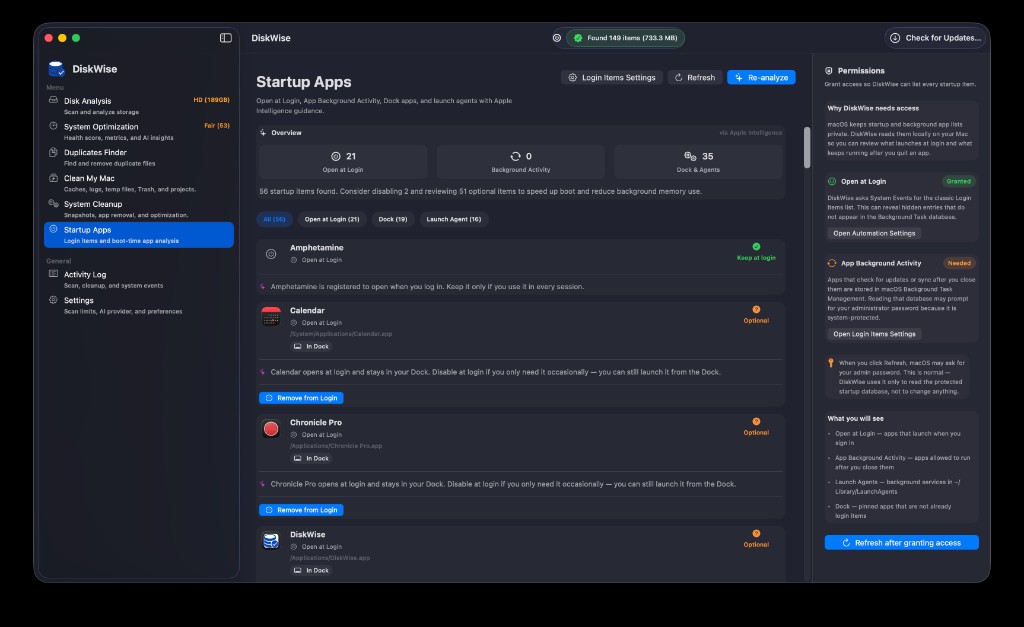
Startup Apps
Review Open at Login items, Dock apps, and Launch Agents. DiskWise flags optional startup items and explains which ones you can safely disable to speed boot and cut background memory use.
📋
Activity Log
A running record of scans, cleanups, and system events so you always know what DiskWise did and when — helpful for peace of mind after a big cleanup session.
📡
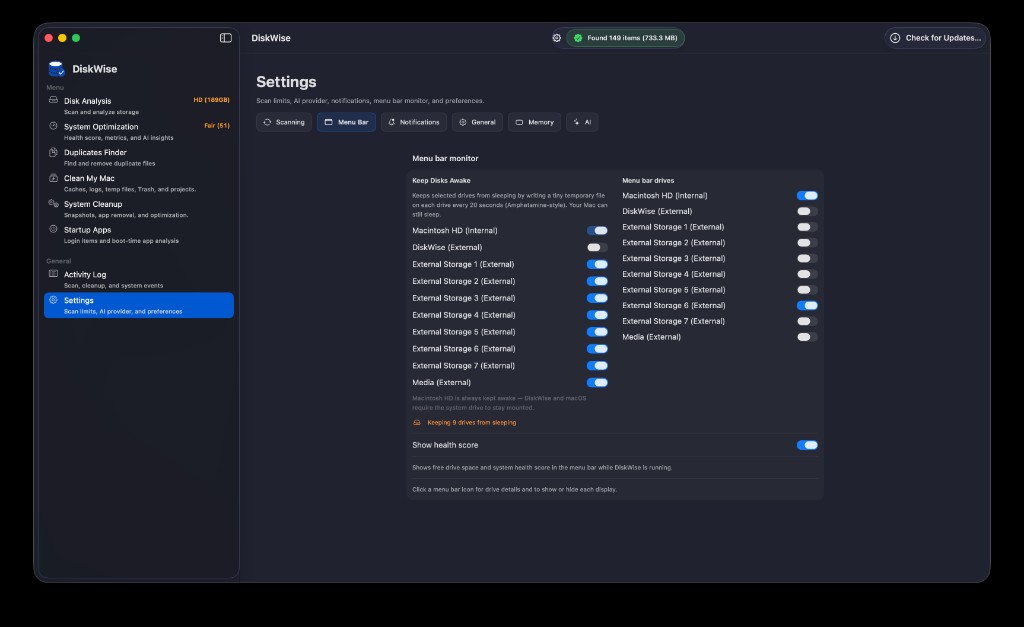
Menu Bar monitor
Show free space and health score in the menu bar, pick which drives to watch, and keep external disks awake when you need always-on access.
🗓️Scheduled scans
Plan recurring disk scans from the Disk Analysis Schedule tab.
✨AI you choose
Apple Intelligence on supported Macs, or connect Ollama / LM Studio in Settings.
💿Saved scan history
Resume prior scans instead of waiting through a full crawl every time.
📱Also on iPhone & iPad
Find Photos duplicates and clutter, preview, then move extras to Recently Deleted.
Get on the App Store →